The state before
Schedules lived in one app. Recipes lived in a folder. Training lived in another folder. The manager's checklists lived on a clipboard. Updating a recipe meant updating it in three places and hoping the right people noticed, and new hires onboarded by being handed a stack of paper.
The systems that work for one shop fail quietly when you get to four. By the time you notice, you've lost a week of consistency.
What I built
The Coffee Shop Portal opens from a link and sits on any staff phone like a regular app, with no App Store and nothing to maintain. The things that change most often update once and show up everywhere.
- Schedules with shift swaps and time-off requests
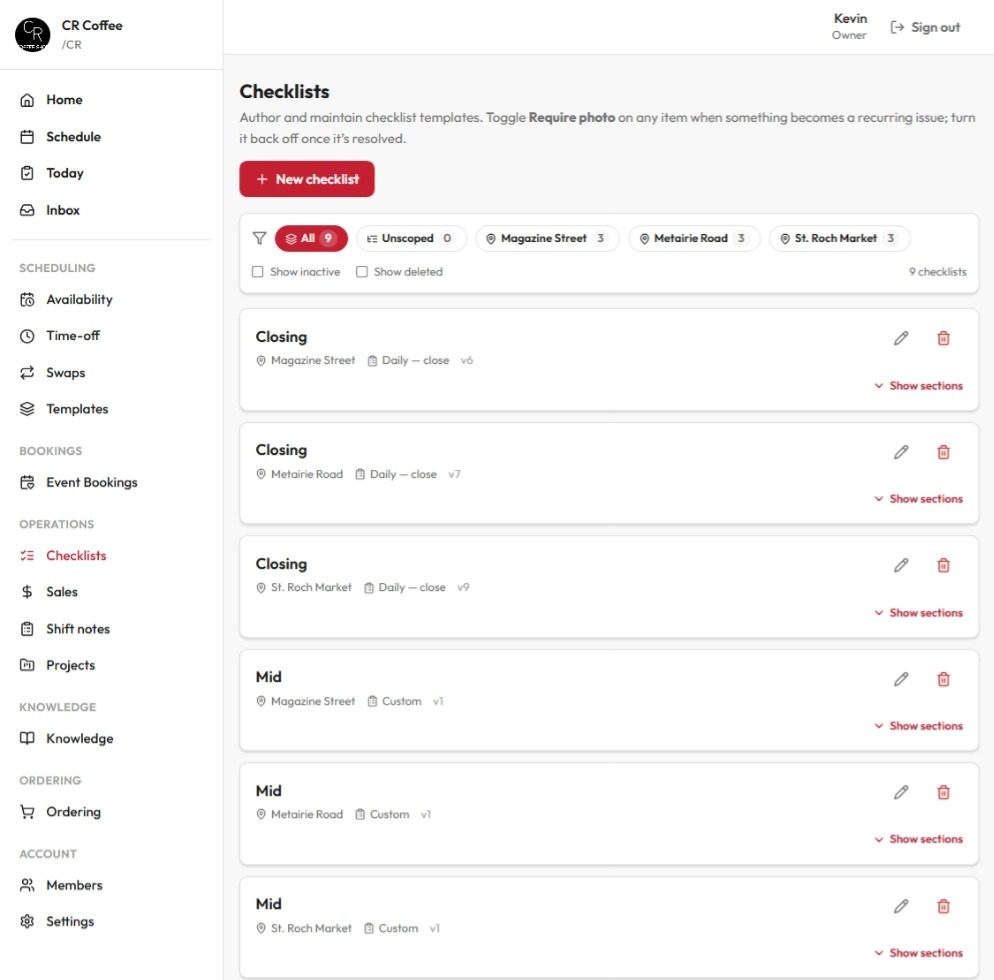
- Opening, mid, and closing checklists, set per location
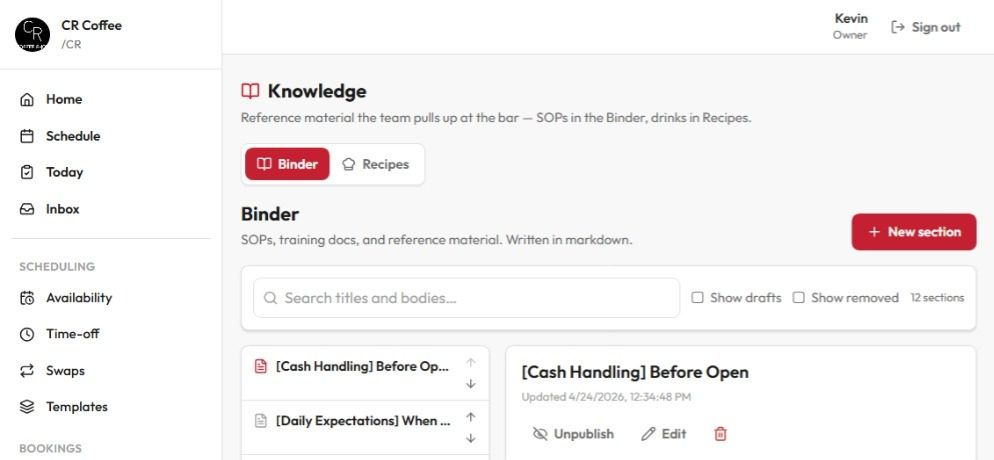
- Recipes and training in a searchable binder
- Team messaging with announcements that require an acknowledgment
- Inventory counts that turn into supplier-ready order emails
- Event bookings, so the whole team sees what's coming
What changed
New hires onboard with a phone in their hand. A recipe change reaches every barista on shift the same day. The opening manager doesn't call yesterday's closer to find out what got left undone. Order sheets build themselves from the counts, and the manager just reviews and sends.
And because I'm the operator and the developer, nothing waits on a vendor's roadmap. When something needs to change at CR Coffee, it changes that night.